
FireCuda Forge vs. Buying an SSD and a Hard Drive Separately: Where Seagate's US$699 Hybrid Wins
Seagate's FireCuda Forge makes sense only if you reopen the same heavy files day after day. Its Alkemi scheduler moves hot data onto a single NVMe drive that you supply, so the project you are working on answers like flash while the rest of the library waits on cheap spinning disk. If your workload is cold archives, occasional game installs or pure backup, a plain external hard drive plus a small portable SSD still gets the job done for less money.
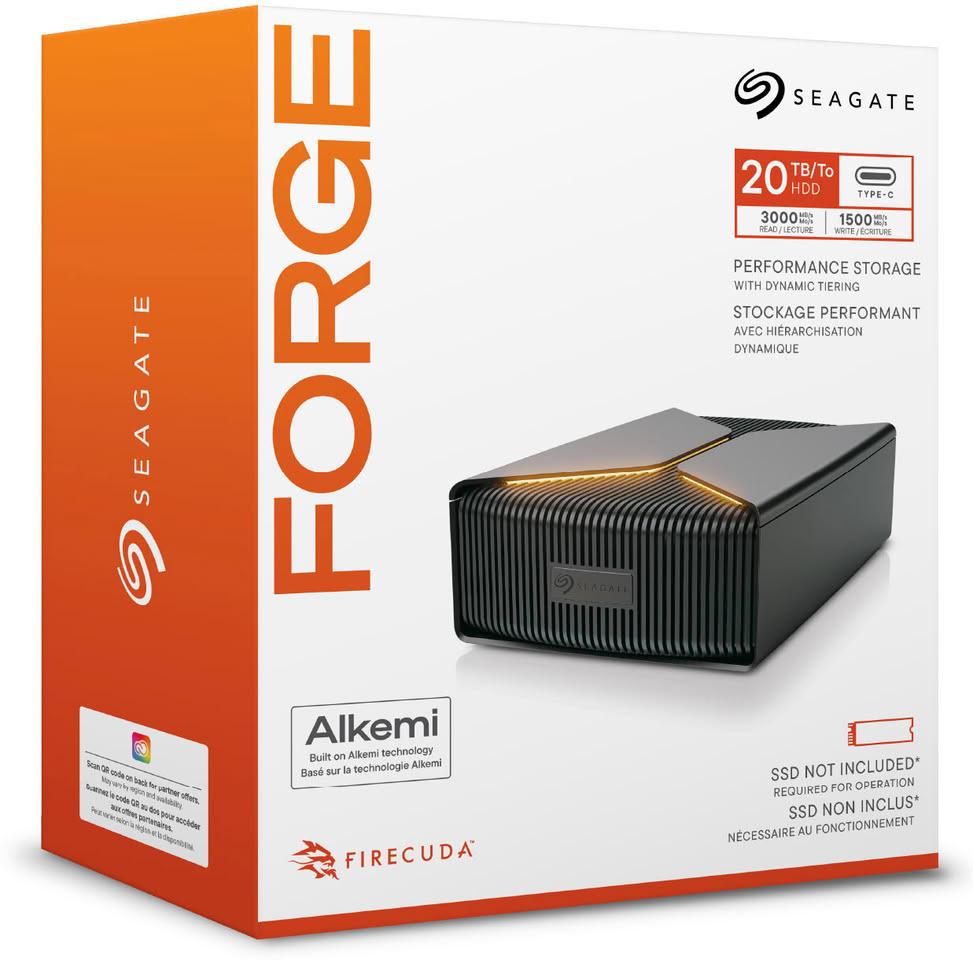
The launch landed on 10 November 2026, when Seagate opened sales through its own online store and authorised partners. Two versions sit on the price list: an 8TB model at US$699 and a 20TB model at US$899, and both models let owners replace the mechanical drive themselves. It is also the first product built on Alkemi, the company's new intelligent storage platform, which means early buyers are testing a scheduling layer with no field history behind it.
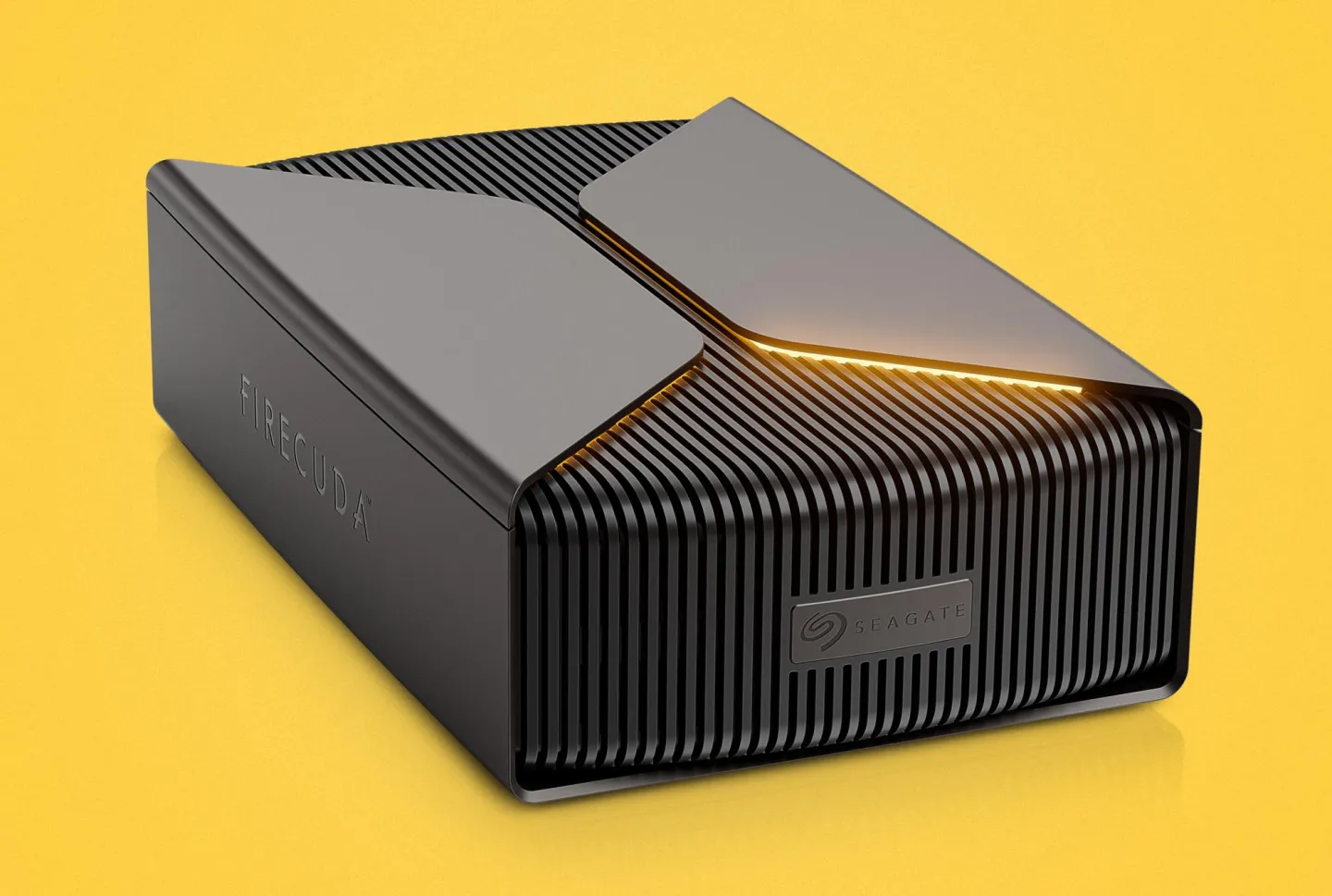
What exactly is the FireCuda Forge?
Short answer: one external drive that contains two physical drives, and ships without any flash inside. The enclosure holds a mechanical hard drive and an empty slot for a drive the user installs — one M.2 2280 NVMe solid-state drive, sold separately, over a USB4 link via USB-C, as described in Seagate's own launch article.
Rated performance is 2500MB/s peak read and 2000MB/s peak write, figures Seagate ties to computers running Windows 11 or macOS 26 and later. To the operating system, the whole assembly appears as one ordinary volume: nobody has to decide which folder lives where. Two storage media, one drive letter, and an algorithm in between — that is the entire pitch.
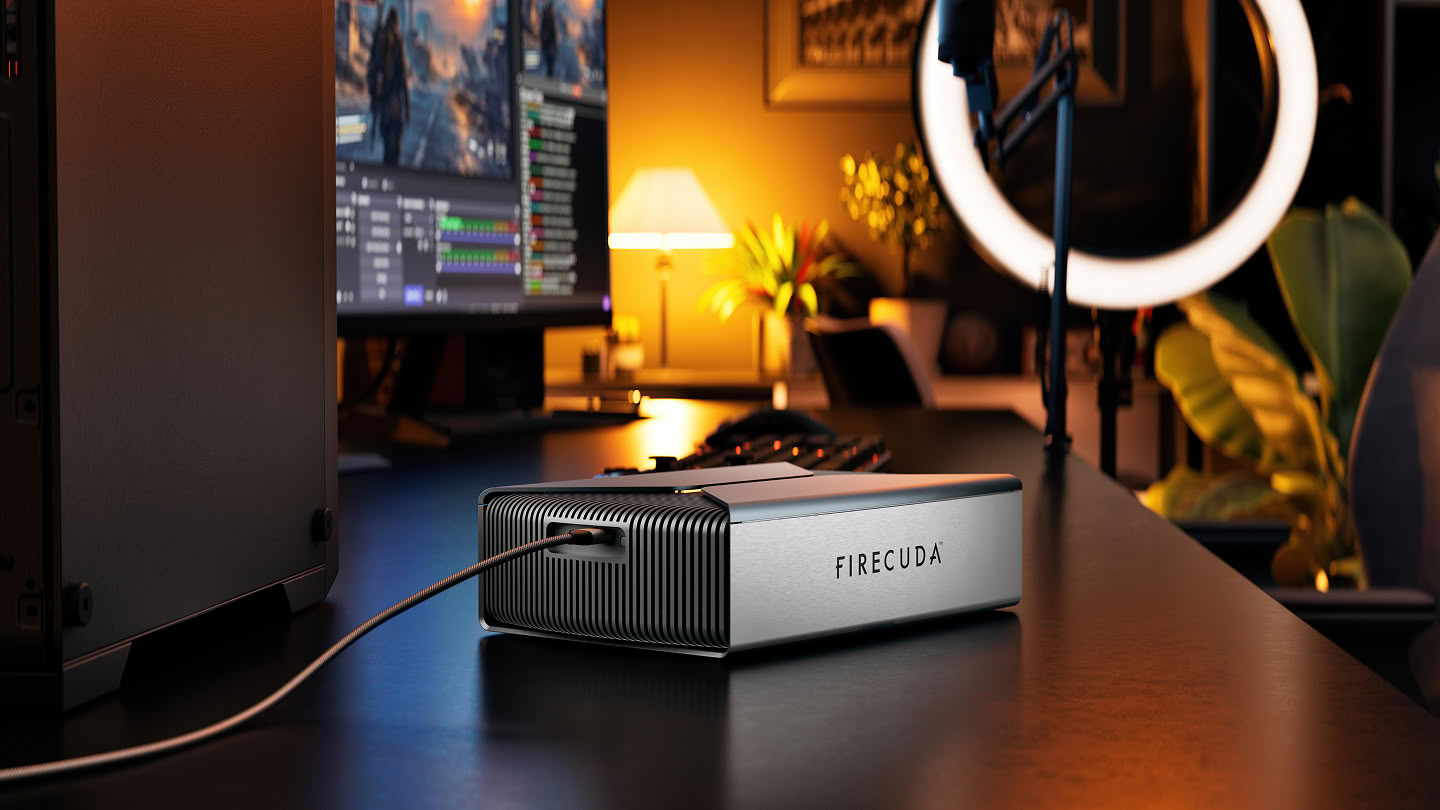
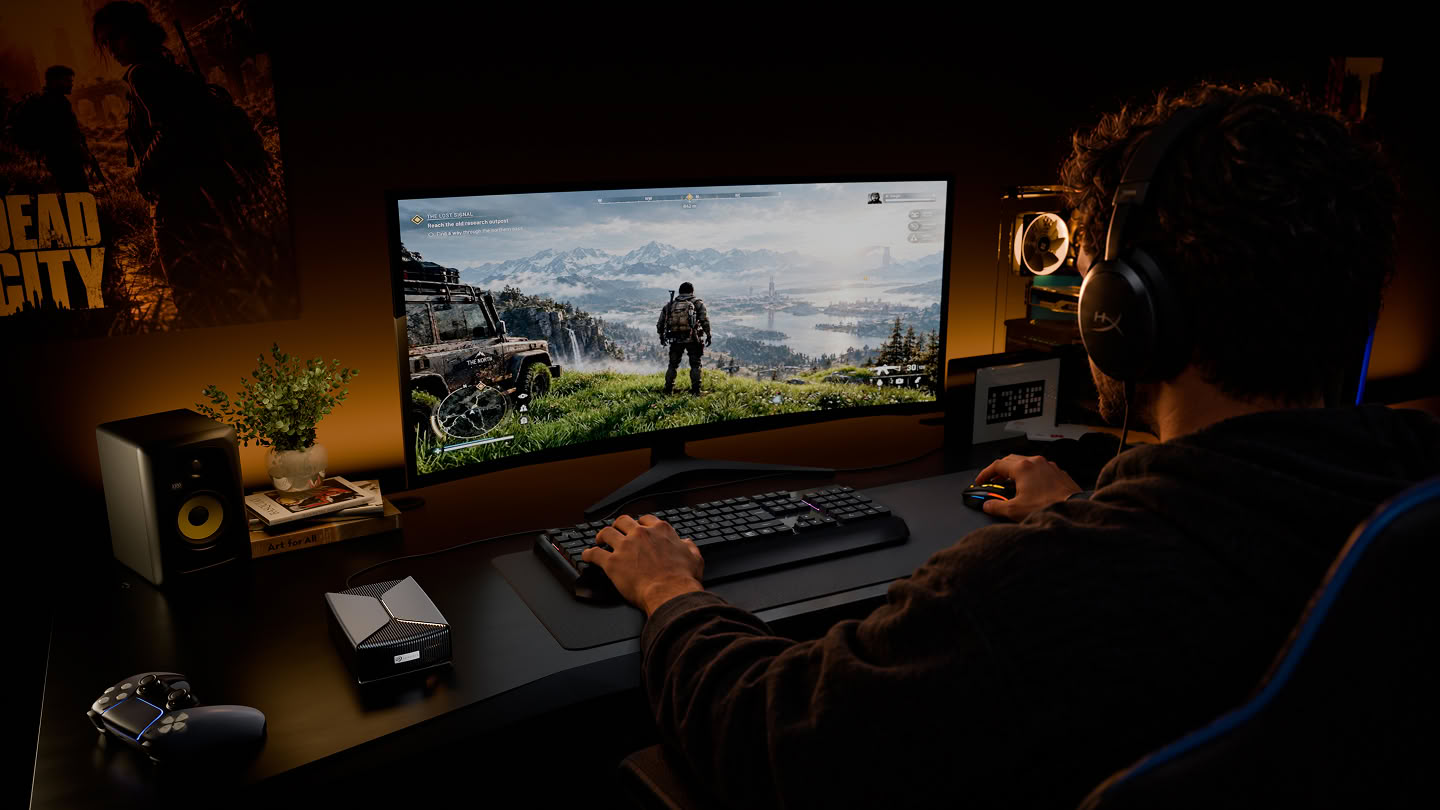
How is Alkemi different from the hybrid drives you already met?
Because three older designs promised roughly the same thing, the useful question is not whether mixing media works, but who picks the parts and what happens to the original data.
- Hybrid hard drives (SSHD). Seagate itself has shipped flash-bearing mechanical drives for decades. The NAND amount was fixed, the placement logic was opaque, and the drive could not be reconfigured.
- NAS SSD caching. A network box keeps copies of frequently read blocks on flash; the data still lives on the array, and write caching is often disabled or risky.
- FireCuda Forge. Alkemi reads the current workload and the frequency and pattern of file access, then relocates data between the two media and rearranges it when your work changes. Seagate's launch messaging puts the logic bluntly: not everything needs to be SSD-fast, the trick is knowing what does.
In practice, that means a large edit behaves differently from an archive. Open the same video clips, project files and caches repeatedly and Alkemi should pull them onto flash to cut wait times; switch to another project and the layout is supposed to follow.
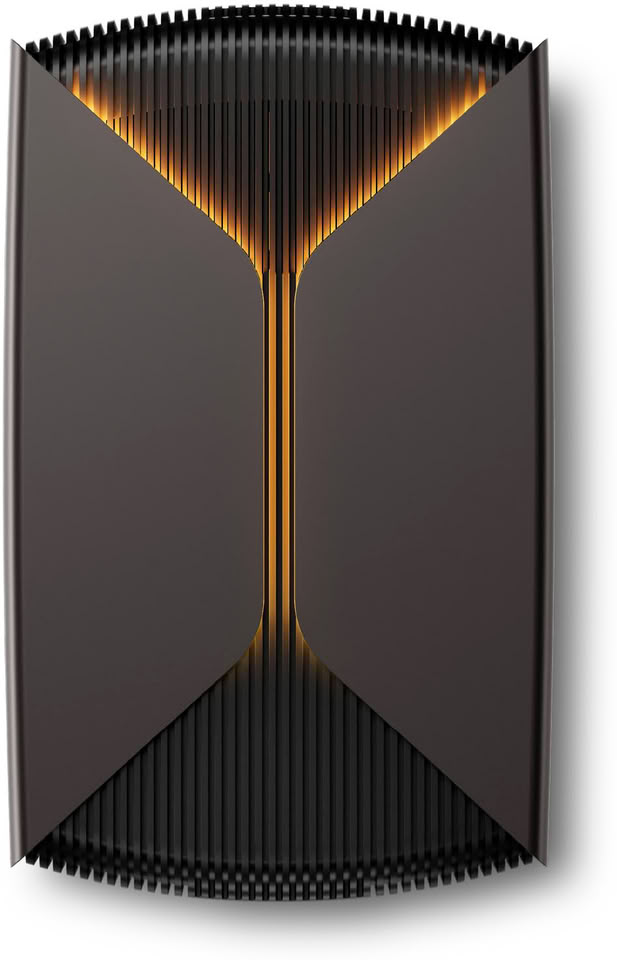
FireCuda Forge versus the three setups shoppers actually weigh
| Setup | What drives the bill | Speed where it counts | Hands-on effort | Best fit |
|---|---|---|---|---|
| FireCuda Forge (8TB or 20TB) plus one NVMe you buy | US$699 or US$899 for the mechanical side, flash on top, USB4 host port required | Hot files respond near the 2500MB/s ceiling; anything still on disk drops to hard-drive pace | Low once running: one volume, no manual filing | Editors, 3D and asset-heavy work, large active game libraries |
| Plain external hard drive plus a portable SSD | Two enclosures, two cables, capacity chosen twice | Only what you deliberately copy to the SSD is fast | High: you decide placement file by file | Budget buyers who already know which folders matter |
| One high-capacity portable SSD | Flash per terabyte, the most expensive line in 2026 | Fastest and most consistent overall | None | Small teams, mobile freelancers, anything under a few terabytes |
| NAS with SSD cache | Chassis, drives, network | Shared and always on, but bound by the network link | Medium: setup plus ongoing administration | Multi-user studios, long-term archives |
Read the table as a decision tree, not a spec sheet. The Forge is the only row that removes the human from data placement — which is exactly the convenience people used to get for free by simply remembering where they put things.
What you really pay: the terabyte arithmetic nobody quotes
Two facts do the most work here: US$699 buys zero flash, and the bigger model halves your cost per terabyte. Dividing Seagate's list prices by the installed hard-drive capacity gives roughly US$87 per terabyte on the 8TB version and roughly US$45 per terabyte on the 20TB version — an ItInsightsWorld calculation, not a vendor claim.
Then the missing drive gets added to the cart, and that is the volatile part. TrendForce reported on 2 February 2026 that NAND flash contract pricing for the first quarter of 2026 had been revised upward to a 55–60% quarter-on-quarter jump, and its 30 September 2026 update still forecast 15–20% more for NAND and 10–15% for conventional DRAM in the fourth quarter of 2026. A drive that looked cheap in the configurator can arrive at check-out carrying a memory-market surcharge.
Capacity choice is not just about the working set, either. Tom's Hardware's hands-on notes that the Forge only accepts drives in the 2280 length, and that anything below 1TB is supported but leaves the fast tier far less room to breathe. An undersized SSD does not merely lower the ceiling; it shrinks how much of your library the scheduler can protect. The wider chip squeeze is not confined to disks either — the same AI-driven demand for memory is pushing vendors to rework software instead, which is why a recent Googlebook update that frees 3GB to 6GB of RAM by rewriting on-device AI memory management matters for anyone planning local workloads.
Five misconceptions to drop before you order
- “It is a 20TB SSD.” It is not. The bulk of the data sits on a mechanical drive; the SSD is a fast layer whose size you choose.
- “2500MB/s is my everyday speed.” Peak numbers assume the right conditions and data that already moved onto flash. Cold files still wait for platters.
- “Any USB-C port will do.” A USB4-class link is the assumption behind the headline speeds; ports and cables that silently negotiate to a lower tier will cost you throughput before the drive does.
- “It replaces a backup.” One enclosure, however clever, is still one device. Scheduling is not redundancy.
- “The first copy is as fast as the hundredth.” Moving a large file onto flash takes time; if you hop between many one-off projects, the scheduler may spend its life chasing you.
Who should buy it, and who should walk away
Pick it up if:
- you reopen the same multi-hundred-gigabyte project files daily — video, simulation, scans, game builds;
- your laptop has no spare internal M.2 slot and you have already outgrown its SSD;
- one tidy volume matters more to you than the lowest possible price per terabyte.
Skip it if:
- the data is written once and read rarely; a bare external hard drive is cheaper and quieter;
- you need shared or versioned access across a team — that is NAS territory;
- your machine has no verified high-speed port, since you would be paying for headroom you cannot reach;
- you are allergic to being the first customer for a brand-new platform.
Before you order: a six-step checklist
- Confirm the host runs Windows 11 or macOS 26 or later — the rated speeds are conditioned on it.
- Check that a genuine USB4-class port and a cable rated for the link are available; verify the port's tier rather than its shape.
- Choose the SSD as a working-set budget, not a spare part: pick a 2280 NVMe drive large enough for your active projects.
- Add everything up, including flash, then divide by total capacity and compare that number with a price-per-terabyte tracker such as diskprices.com.
- Decide whether the interchangeable hard drive is a serviceability feature you will use or a cost you will ignore.
- Keep a second copy of anything you cannot afford to lose, on media this device does not provide.
Frequently asked questions
Does the FireCuda Forge include a solid-state drive?
No. The buyer installs one M.2 2280 NVMe drive, sold separately, and the scheduler then decides what deserves to live on it.
Is the 8TB or the 20TB version the better deal?
On pure capacity, the 20TB version is dramatically cheaper per terabyte — roughly US$45 against roughly US$87. The 8TB model only wins if your library is genuinely small, because the fixed costs, especially the SSD, are spread over less storage.
Do I have to manage which files sit on the SSD?
No, and that is the point. Alkemi observes access patterns and moves data between the two media by itself; the device exposes one volume to your system.
Will it be faster than my current external hard drive?
For files the platform has already promoted to flash, yes — Seagate rates up to 2500MB/s read and 2000MB/s write on Windows 11 or macOS 26 machines. For everything else, expect hard-drive behaviour, which is why the strategy, not the spec sheet, deserves scrutiny.
Bottom line
FireCuda Forge is a smart hybrid play with a narrow win condition. It is not one cheap large-capacity portable drive but a full system the buyer assembles, and from US$699 it should be judged as specialist gear rather than mainstream storage. Seagate has a real chance of making it a different kind of answer to the capacity-versus-speed trade-off that has annoyed editors and gamers for years. Whether the algorithm predicts your next file well enough to justify the missing SSD in the box is a question for long-term use, not a launch spec sheet — so treat the first generation as a well-informed experiment, and let your daily working set, not the terabyte count, decide.
References
- Seagate, “Seagate Launches the FireCuda Forge, Powered by New Alkemi Intelligent Platform” (10 November 2026) — https://www.seagate.com/stories/articles/seagate-launches-the-firecuda-forge-powered-by-new-alkemi-intelligent-platform-to-deliver-both-ssd-grade-responsiveness-and-hdd-capacity-pr/
- Seagate, “FireCuda Forge rethinks the choice between speed and capacity” (USB4 via USB-C; M.2 2280 NVMe required, sold separately) — https://www.seagate.com/stories/articles/firecuda-forge-rethinks-the-choice-between-speed-and-capacity/
- Tom's Hardware, hands-on with the FireCuda Forge (2280-only mounting; sub-1TB SSDs leave less headroom) — https://www.tomshardware.com/pc-components/external-ssds/seagate-resurrects-hybrid-storage-hands-on-with-the-firecuda-forge-8-or-20tb-external-hard-drive-requires-you-to-bring-your-own-nvme-ssd
- TrendForce press centre, memory contract-price forecasts (2 February 2026; 30 September 2026) — https://www.trendforce.com/presscenter/news/20260202-12911.html and https://www.trendforce.com/presscenter/news/20260930-13258.html
- The Verge, Seagate's FireCuda Forge moves your data between a hard drive and an SSD — https://www.theverge.com/tech/1029665/seagate-firecuda-forge-hybrid-ssd-hard-drive-storage-alkemi-technology
Analysis and calculations by IT Insights. Corrections or a comparable setup you have tested: contact@itinsightsworld.com