
ItInsightsWorld: Universal Print Can Break After KB5083769 or Windows 11 Upgrade
A Microsoft support notice describes a printing edge case involving Universal Print queues that were first installed on Windows 10. If those devices later receive KB5083769 or are upgraded to Windows 11, printing may fail. Microsoft places the origin of the issue after the April 14, 2026 update and says it has persisted for six months; later Windows 11 versions can also expose the problem.
Symptoms to watch for
| User-facing sign | Detail |
|---|---|
| Configuration error | The print dialog warns about a printer configuration issue and displays 0x80004005. |
| Disabled Print action | The Print button appears grayed out and cannot be clicked. |
| Test-page failure | Printing a test page from printer properties returns 0x000003e3. |
According to Microsoft, the affected queues are registered with system-wide installation scope.
Single-device fix
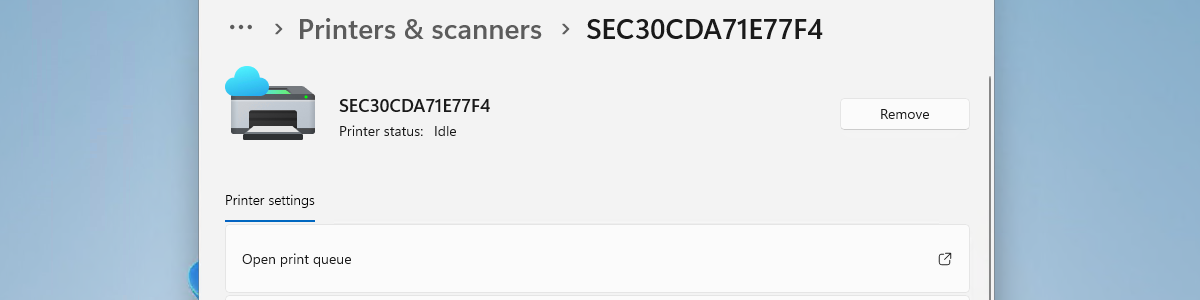
On one affected device, remove the printer under Settings > Bluetooth & devices > Printers & scanners, then add it again. Microsoft says the reinstalled queue becomes user-specific. On shared computers, or in virtual desktop setups, administrators need to assess whether that narrower scope is appropriate.
Bigger environments: script-based handling
For fleets, Microsoft offers a PowerShell script that can detect impacted queues and convert them in batches. Deployment can be carried out through Microsoft Intune. Microsoft recommends testing first on a controlled device. Manual mass remediation uses PsExec with SYSTEM privileges and is best suited to IT administrators.