
Windows 11 vs Windows 10 Taskbar Control: Why Dragging Is Gone and How to Decide
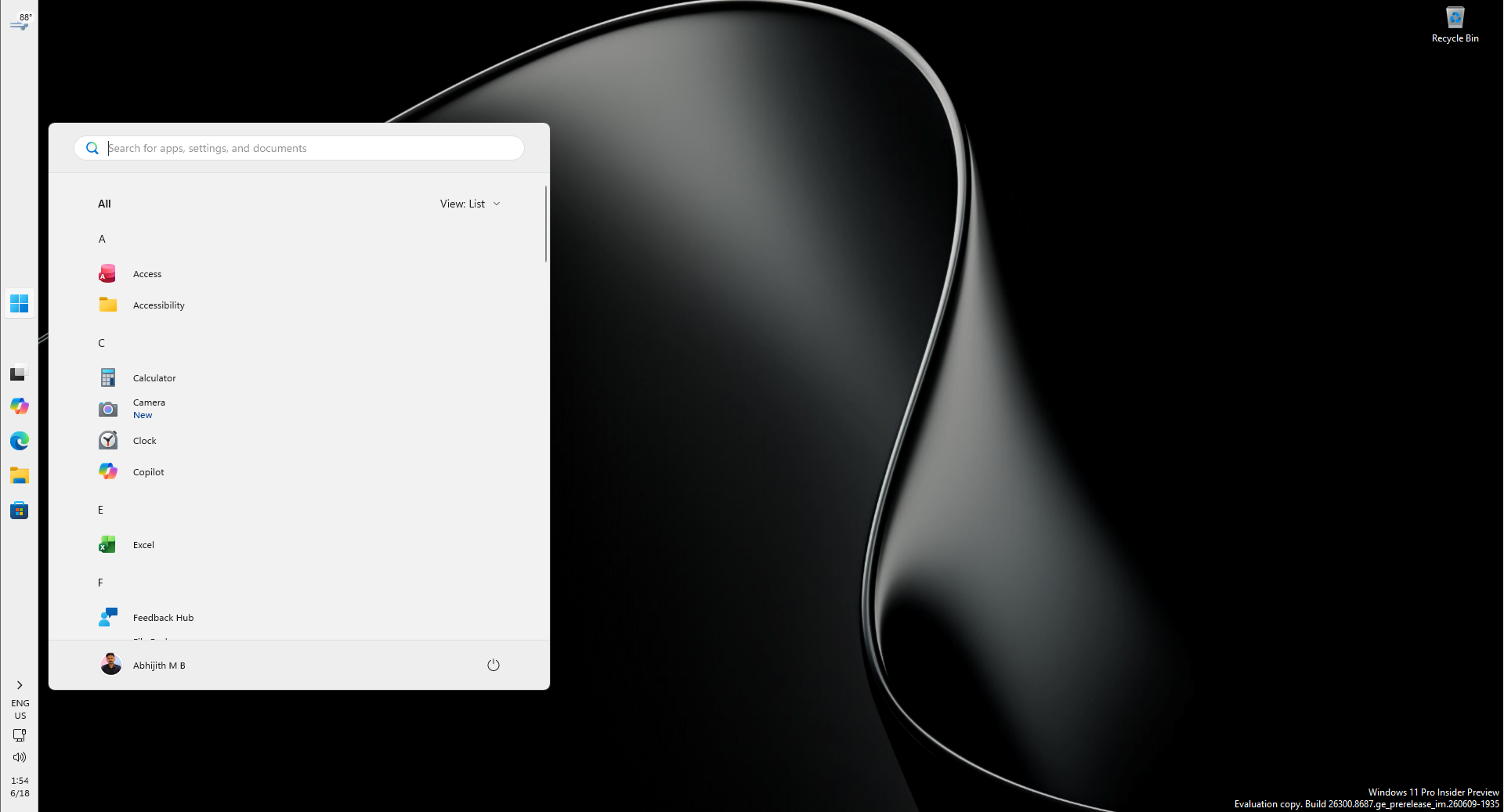
Short verdict first: Windows 11 will not let you click the taskbar and haul it to another edge of the screen, and Microsoft says that stance is not changing. The bar is still relocatable - this year, after years of user feedback, the option to dock it on any of the four screen edges came back - but the control moved out from under your mouse button and into a settings page. Recently Microsoft design vice president Diego Baca described the missing gesture as a deliberate design decision rather than a gap in the feature list. So the real question for anyone setting up a PC is not "how do I get dragging back", but "which control model fits how I work". Below, IT Insights weighs the Windows 10 and Windows 11 approaches side by side, separates the two drag gestures people keep confusing, and gives a scenario-based recommendation - including when a third-party utility is worth the risk.
Why Microsoft chose predictability over muscle memory
According to Baca, the decision rests on usage research, not on technical inability. Microsoft's studies found that allowing a free drag invites unintended repositioning - the very problem the "lock the taskbar" checkbox existed to prevent in the Windows 10 era. The company also observed that once people settle on a position they like, they rarely adjust it again.
Given that pattern, the design team preferred one discoverable path: right-click the taskbar, open Settings, pick an edge. Baca characterised that route as more intentional and more predictable, and stressed it was reached after careful consideration. Upgraders who learned the reflex of grabbing an empty strip of the bar and pulling still experience this as a loss, even when the end result is identical.
Two drag gestures, two very different stories
Most complaint threads collapse two unrelated behaviours into one grievance. Separating them is the fastest way to decide whether you actually have a problem:
- Dragging the bar itself to a new edge. Removed on purpose in the redesigned shell. The old Windows 10-era taskbar code was rewritten rather than carried over, which is why there is no toggle to flip back on.
- Dropping a file onto a pinned app icon to open it. Also absent from the stock experience. Microsoft's own Q&A forum threads and PC makers' support knowledge bases treat this as a new specification of Windows 11, not as a defect to be repaired.
The second issue is the one that breaks workflows; the first is mostly an adjustment of habit. If you only fix one, fix the file-drop problem, because native substitutes such as jump lists already exist for it.
Windows 10 vs Windows 11: the taskbar scoreboard
| Taskbar capability | Windows 10 | Windows 11 (today) | Third-party utilities |
|---|---|---|---|
| Pull the bar to another edge with the mouse | Yes, once unlocked | No | Yes |
| Choose among the four screen edges | Yes, by dragging | Yes, via Settings | Yes |
| Lock / unlock switch | Yes | Not needed - the position only changes in Settings | Varies by tool |
| Drag the bar's edge to change its thickness | Yes | No drag handle | Yes (size and icon margins) |
| Compact / small taskbar style | Yes | Yes, as a settings choice | Yes |
| Left vs centred icon alignment | Left by default | Yes, switchable | Yes |
| Drop a file onto a pinned icon | Yes | Not in the stock experience | Restored by several tools |
| Needs extra software installed | No | No | Yes |
Read the table as a trade rather than a scoreboard win: Windows 11 hands back every destination (all four edges) but takes away the direct-manipulation gesture, and in exchange gives you a setting that cannot be changed by accident.
What changed this year - and what stayed locked
When Windows 11 first shipped, the redesigned taskbar was fixed to the bottom of the screen, with no supported alternative at all. After years of feedback, this year Microsoft reinstated position selection, allowing the bar to sit on the bottom, top, left or right edge, and the surrounding interface adapts automatically to wherever you put it. Microsoft's own taskbar customization documentation places the switch under Settings, Personalization, Taskbar, in the Taskbar behaviors group.
Reviewers who compared the restored option with the old behaviour reached a cautious conclusion: positioning works, but it is not the same as on Windows 10, because a menu now stands between intention and result. For keyboard-first users this is close to free - the setting opens with two clicks - while for drag-dependent users the friction is felt all day.
Decision checklist: should you actually move the taskbar?
- Move it to the top if your screen is dominated by video calls, streaming or long-form reading, where app icons stacked along the bottom compete with player controls and captions.
- Try the left or right edge on a rotated or portrait monitor, or on a very wide panel, where a horizontal strip costs you the row you use most.
- Leave it at the bottom if you rely on touch, a trackpad or a pen: the bottom strip is the easiest target to reach and the hardest to miss.
- Change alignment instead of position if your real irritation is that icons drifted to the centre. Switching the Windows 11 taskbar back to left alignment, as Dell's support guide walks through, restores the old visual habit without touching the bar's edge.
- Use jump lists instead of the move if what you wanted from the taskbar was a faster way to open recent files in an app.
Three misconceptions worth dropping
- "My taskbar is stuck - it must be a bug or a missing update." It is neither. Nothing is broken, and no cumulative update will reintroduce the gesture.
- "There is a registry hack for this." Tweaks circulate in community threads, but edge repositioning is a supported setting, and the drag handler was never left in the image to be switched back on.
- "Taskbar tools are harmless cosmetics." Shell-level utilities replace parts of Explorer. They can stop behaving after a major feature update, and Microsoft support will point you back to the built-in option.
Setting the position, step by step
On any supported Windows 11 build, the whole job takes under a minute:
- 1. Right-click an empty area of the taskbar and choose Taskbar settings; the Personalization page opens with the taskbar section in focus.
- 2. Expand Taskbar behaviors, find Taskbar position, and pick from bottom, top, left or right.
- 3. Optionally switch on the small taskbar style; it is more useful on devices with smaller screens, where every pixel of working height matters.
The third-party route: what it buys you, what it costs
If direct manipulation is genuinely non-negotiable, community tools are the only path. ExplorerPatcher, a free open-source project hosted on GitHub, is the option users most often recommend for restoring Windows 10-style taskbar behaviour, including placement along the top edge; StartAllBack and Taskbar11 cover the same ground with paid convenience and thickness or icon-margin controls.
Cost side, in order of likelihood:
- Breakage after a big Windows update, until the tool's maintainer catches up.
- Harder troubleshooting, because Microsoft support treats a modified shell as out of scope.
- Policy conflicts on company-managed laptops, where unsigned shell replacements are often blocked outright.
Our practical rule: create a restore point, install the tool only after the OS has been stable for a few days following an update, and retest the built-in Settings path first - since this year's position option arrived, fewer people need the workaround than did at launch.
FAQ
Is Microsoft going to bring drag-to-move back?
There is no indication of that. Beyond the stated design position, IT Home's report of the same explanation noted that Windows 11 contains no code path for repositioning the bar by dragging, since the taskbar was written from scratch instead of reusing the Windows 10 implementation - so a faithful retrofit would be a substantial project.
How do I open a file in a specific app without dropping it on the icon?
Right-click the pinned icon to open its jump list of recent documents and tasks, drag the file onto an already-open app window instead, or use the app's own Open dialog. All three are native and survive every update.
Does putting the bar at the top change how other windows behave?
Maximised windows and desktop icons reflow around the new position; the interface adapts automatically. What does not change is sizing: the bar still cannot be stretched by dragging its edge.
Should a non-technical user install a taskbar tool?
Rarely. The official Settings path already covers the four-edge choice, and a shell replacement adds maintenance burden for a cosmetic preference.
Our recommendation
Treat this as a settled trade rather than an open grievance. Microsoft has decided that the taskbar's position is a setting you configure once on purpose, not a widget you nudge daily, and it has now delivered the full set of destinations on every supported edition. Set your edge in Settings, fix alignment if the centre placement is what bothers you, and reach for jump lists for the file-drop habit. Reserve third-party tools for the narrow cases where you truly need dragging or resizing - and, if you do, keep a rollback plan, because on this one feature Microsoft's answer is that the gesture went away by design, not by mistake.