
ItInsightsWorld: Windows 11 Task Manager Lag Explained as CPU Nears 100%
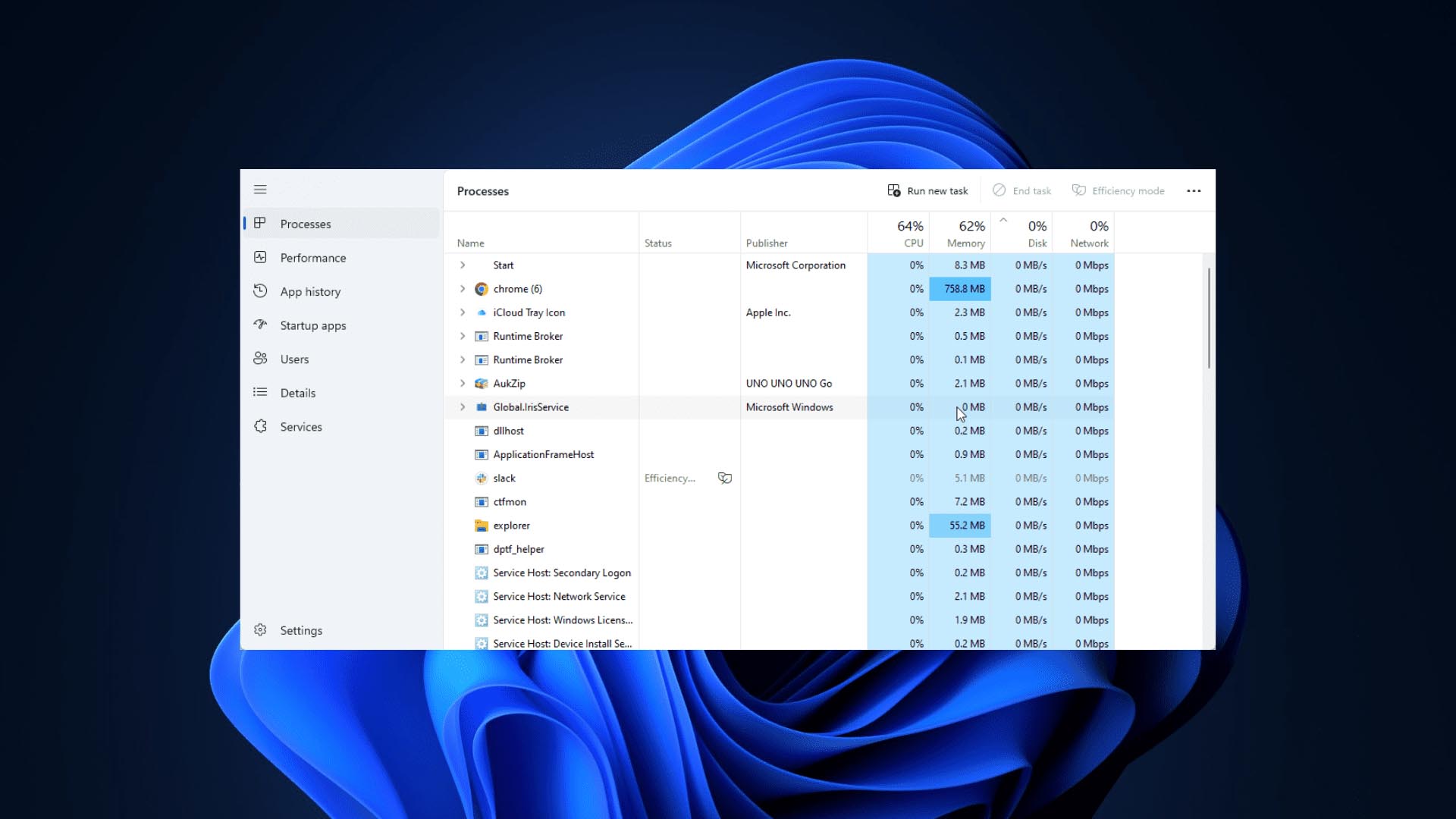
Microsoft's clarification for a recurring Windows 11 issue
Recently, a senior Microsoft employee who had worked on Windows development used social media to answer user reports about Task Manager slowdowns in Windows 11. The key point was that when a system's CPU usage approaches 100%, the diagnostic utility is not exempt from resource contention.
What users experience during extreme load
Over the past period, some Windows 11 users observed that abnormal PC performance and near-full processor use could make Task Manager respond slowly, refresh more slowly, or briefly freeze. As a result, identifying resource-heavy programs became harder, and the tool's design was questioned.
Why a built-in monitor still depends on the system
The employee explained that Task Manager remains a regular application and must rely on CPU time slices allocated by the operating system. If other high-priority or high-load tasks occupy the processor, Task Manager may receive too few resources, causing visible performance drops.
- The application attempts to minimize its own overhead so it does not worsen system strain.
- It still needs to collect and update indicators such as CPU use, memory use, disk activity, and background processes.
- Under extreme pressure, those refresh and collection cycles can slow down.
Third-party monitoring tools and the limits of comparison
He acknowledged that some third-party performance monitors may feel smoother under similar conditions. The difference, he said, usually involves data update frequency, interface complexity, and implementation method, and does not mean such tools can fully escape system-load effects.
Community suggestions after the explanation
The response also kept system-monitoring design discussions alive in the technical community. Some users asked Microsoft to add a lighter emergency diagnostic mode that would show the most critical resource information when Windows is close to becoming unresponsive. Others said any monitoring software depends on system resources, so no method is entirely immune.
The practical conclusion
Microsoft's explanation ultimately emphasizes that Windows 11 Task Manager is governed by normal system scheduling. When processor resources are heavily consumed, lag, delayed response, or slower refresh may reflect that the whole machine is approaching its resource limit rather than a fault inside Task Manager itself.