
Touchscreen MacBook Pro Compared: The OLED Panel, Not the Fingertip, Should Drive Your Upgrade
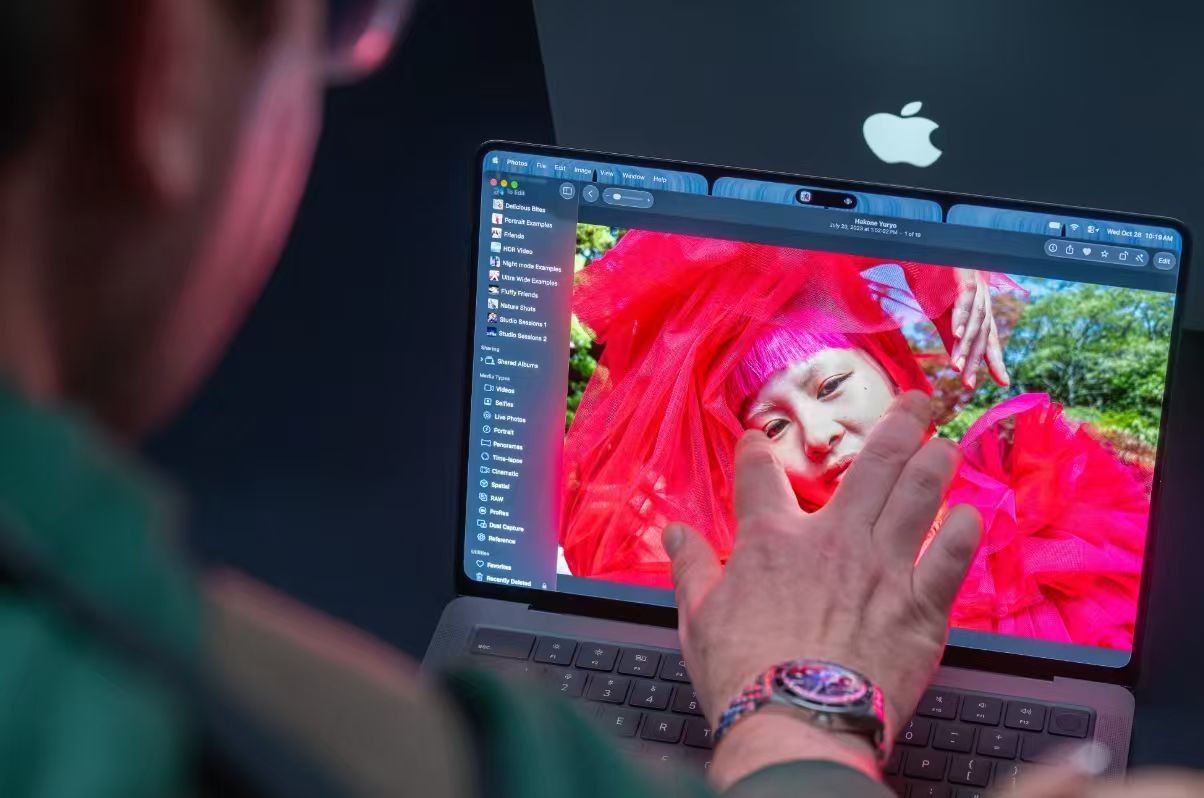
The short answer: one display upgrade with a finger input attached
Strip away the launch chatter and this machine is easier to judge than the headlines suggest. Apple has put the most vivid screen it has ever built into a laptop, then paired it with a touch layer that most buyers will use a handful of times out of curiosity. That asymmetry is the whole story, and Bloomberg reached a similar conclusion on November 2, writing that a touch Mac could have been framed as a genuinely new experience, yet the company handled it as a routine upgrade and left people with few reasons to reach for the glass.
Our verdict, stated up front: buy this MacBook Pro for the OLED panel and the lighter chassis; do not buy it for touch. If your work lives in colour, contrast and motion — video, photography, sound design — the display is a real step forward. If your day is documents, spreadsheets and calls, the fingertip feature you pay for is mostly a spec-sheet line that closes a long-standing gap with Windows laptops.
What Apple changed, and what it deliberately kept
The company is at its strongest when refining hardware it already knows how to build: displays that rank among the best in the industry, and silicon and software tuned together so the two reinforce each other. Its laptops already ship with a stable, dependable keyboard and trackpad, outstanding battery life, excellent speakers and a high-quality camera. Adding touch input to the Mac line is arguably the most consequential shift the platform has seen in more than five years, but the execution stays inside that comfort zone. Unlike iPhone Duo, which pushed Apple into unfamiliar territory, this notebook travels a path the company has validated repeatedly.
Concretely: weight drops noticeably, the body is marginally thinner, thermal management improves and the cooling system is rebuilt. The shape still echoes the well-liked 2021 model, and the silicon is carried over from M5 Pro and M5 Max, the chips Apple introduced this spring. Nothing in the performance column, in other words, forces a trade-in.
Touch vs. keyboard and trackpad: a six-task scorecard
Software implementation lands close to outside expectations, and little more: mainly basic gestures such as tapping, sliding, two-finger pinching, zooming and scrolling. Early hands-on reporting points to the same pockets of value — editing apps with timelines and canvases, where grabbing a clip, an instrument or a 3D object by hand saves cursor travel. Reviewers at PCMag singled out Logic Pro and Final Cut Pro as the places where touch earns its keep. Everything else falls back on the trackpad.
| Typical task | What touch actually adds | Fastest input today | Verdict |
|---|---|---|---|
| Video timeline scrubbing, clip trimming | Drag marks and clips directly, pinch to zoom the timeline | Trackpad or mouse | Helps, in short bursts |
| Music production, on-screen instruments | Play soft synths and grab nodes with fingers | MIDI controller | Genuinely useful |
| Photo retouching, map rotation, markup | Direct manipulation, two-finger rotate | Trackpad (no stylus support) | Nice, not decisive |
| Long-form typing, documents, email | Nothing on the screen side | Physical keyboard | Keep hands on the keys |
| Spreadsheets, dashboards, static interfaces | Little; several interface controls are too small to tap reliably | Mouse | Skip the gesture |
| Testing iPhone apps under development | Prototype behaviour without another device | — | The most interesting use case, and no ordinary consumer buying reason |
The ceiling on all of this is not new thinking. Apple's co-founder argued in 2010, as Business Insider recorded at the time, that reaching toward a vertical surface is ergonomically terrible and that touch wants to lie horizontal — which is why the company shipped trackpads instead. Sixteen years later the physics still applies: touch on a laptop screen is a shortcut, not a replacement for the deck below it.
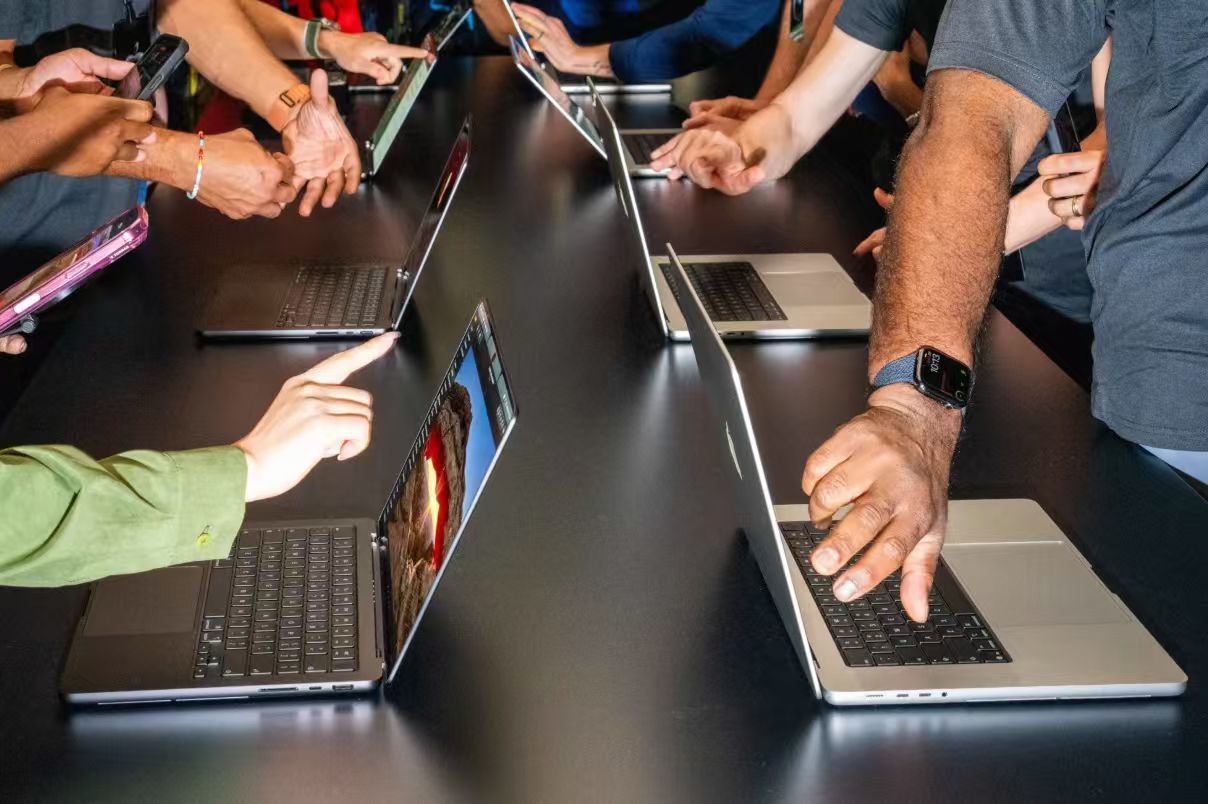
OLED vs. the outgoing backlit panels: where each one wins
If you take only one upgrade away, take this one. OLED brings the vivid colour and contrast iPhone users have long been used to, and it is telling that Apple emphasises OLED rather than touch in the new MacBook Pro's name. The iPad Pro's screen is already excellent in exactly this respect; getting that picture on a larger, always-open work display would be a clear lift in day-to-day quality.
| Dimension | New OLED panel | Mini-LED / LCD generation |
|---|---|---|
| Black level and contrast | Pixels switch off; effectively limitless contrast | Backlight zones; some blooming in dark scenes |
| HDR highlights | Punchy, no halo around bright objects | Very strong sustained highlight output |
| Full-screen white (docs, web) | Brightness management trims sustained output | Holds high luminance comfortably |
| Static-interface longevity | Apple's own OLED display note for iPad Pro says image persistence is temporary and burn-in appears only in extreme cases of fixed high-contrast content held at high brightness | No organic-pixel aging to manage |
| Motion clarity | Fast pixel transitions, less smear in panning shots | Slower transitions, more visible trailing |
| Best fit | Colour work, film, editorial, sound | All-day spreadsheets, terminals, bright rooms |
Panel economics reinforce the same advice. TrendForce expects OLED notebook shipments to grow nearly 40% in 2026 and more than 40% again in 2027, even while the research firm revised total notebook volume for 2026 down to a 5.4% decline, around 173 million units. Display quality, not touch, is where the industry competes next; touch sensing is simply being absorbed into the premium spec.
The $400 question: what the premium actually buys
On the first generation, the touchscreen, the OLED display and the Dynamic Island interface together cost an extra $400, and versions of the M5 Pro and M5 Max MacBook Pro without a touchscreen still go on sale. That is why the honest comparison is not "touch versus no touch" but "OLED package versus the older panel at a lower price". Macworld's buying guide puts the entry 14-inch model at $2,899 in the U.S., with larger and faster configurations climbing steeply from there.
Continuing to develop non-touch versions of the high-end laptops looks unlikely. Running two premium MacBook Pro lines puts extra load on the engineering, marketing and manufacturing teams, the two sets of prices already sit close together, and a merged line may not be far away.
Five misconceptions worth clearing up
- "It becomes a tablet." It does not. The screen cannot be folded back or set at an angle for tablet-style use, and Apple Pencil is not supported.
- "Touch means a new way to use macOS." The gesture set stays basic, so the change reads more like marketing and commercial completeness, closing a feature gap that has sat between Apple and Windows laptop makers for years.
- "iPad sales are now in trouble." Few people ready to buy an iPad would give it up for a touch Mac; more consistent interaction across devices may simply leave consumers wanting a Mac and an iPad together.
- "Performance forces an upgrade." The silicon is the same M5 Pro and M5 Max launched this spring, and the body still borrows the 2021 model's accepted design.
- "OLED will burn in on me." Only sustained static, high-contrast content at high brightness is flagged as an extreme-case risk. If you park a dashboard or a trading blotter on screen for weeks, you are the exception, not the rule.
Decision path: buy now, wait, or skip
- Colour, film and sound people — buy for the panel. Negotiate the configuration, not the feature: if the OLED tier fits the budget, touch arrives in the box at no separate cost.
- Office and code-heavy users — the maths rarely works. A $400 premium for an input you will ignore is a poor trade, and a well-configured non-touch M5 Pro or M5 Max does the same job.
- Owners of machines from 2021 onward — wait unless the screen is your bottleneck. There is no chip gap to close, so an upgrade today is a display purchase.
- Windows convert and the iPhone-and-iPad generation buyer — touch is a comfort feature. For people who grew up tapping glass, a pricier Apple laptop that refuses to be touched is hard to explain, and it evens out the day-to-day feel across products.
- Long holders — look at next year. A second generation touchscreen MacBook Pro with M7 Pro and M7 Max chips is expected, bringing support for new AI hardware features, and an entry-level 14-inch M7 MacBook Pro is planned that carries over the lighter body design and narrower borders shown on the premium models earlier this week.
Three quick tests before you order: open the app you live in and mark where your hand would naturally go; count how many hours your screen shows fixed bars and toolbars; and price the premium against a good external OLED monitor if you work at a desk most days.
FAQ: the questions readers send us most
Is the touchscreen the reason to upgrade?
No. It adds capability without adding a workflow, and the most interesting use — trialling iPhone apps under development directly on the Mac screen — is unlikely to become an ordinary consumer buying reason.
Why did Apple wait this long?
Because the existing keyboard, trackpad, battery, speakers and camera left no obvious weak point, and the ergonomics of vertical touch were never solved. Bloomberg's November 2 analysis frames the launch as deliberately cautious.
Does touch affect video calls?
Indirectly, yes: Apple strengthened the screen hinge so tapping produces less wobble, and added software stabilisation that keeps the camera picture steadier and smoother during video calls.
Will the non-touch version disappear?
Not immediately, but the direction is clear. Two premium lines burden engineering, marketing and manufacturing, the prices are close, and consolidation would leave the OLED touchscreen package as the default.
What should I watch next?
Form factor, not glass. The unresolved question is what kind of device could replace today's Mac and iPad designs, even one that merges the two together.
Bottom line: refinement at its peak, vision still pending
Apple's early period under CEO John Ternus has brought plenty of results, yet this launch showed almost no fresh vision of bold innovation in computing devices. What it demonstrated instead is that Apple remains better than any other company at improving a product category it already owns, while whether it can push past that frame and launch something genuinely new remains under watch. Treat the touchscreen MacBook Pro as a display purchase with an interaction bonus attached, and the value question becomes simple — an open case we will keep tracking for you here at It Insights.