
Adobe Local MCP Preview: What Editable Native Files Change for AI-Powered Creative Production | ItInsightsWorld AIapplications
Adobe is previewing local integrations built on Model Context Protocol, or MCP, that would let outside AI agents edit native Photoshop, Illustrator, Premiere and After Effects project files; a private beta is planned for early 2027, and nothing is generally available today. The detail that matters is not what the agent produces, but what it hands back: an editable project rather than a flattened export. That is the part studio leads keep asking about. Take a mid-size consumer brand running an in-house studio, the version of the situation I hear most often. Every campaign needs a new crop, a re-cut sequence, a legal hold on a visual treatment. Today, an agent that returns a finished PNG saves the first hour and then costs the next three, because the designer has to rebuild the file before anything can be revised.
What does the November 10 preview actually say?
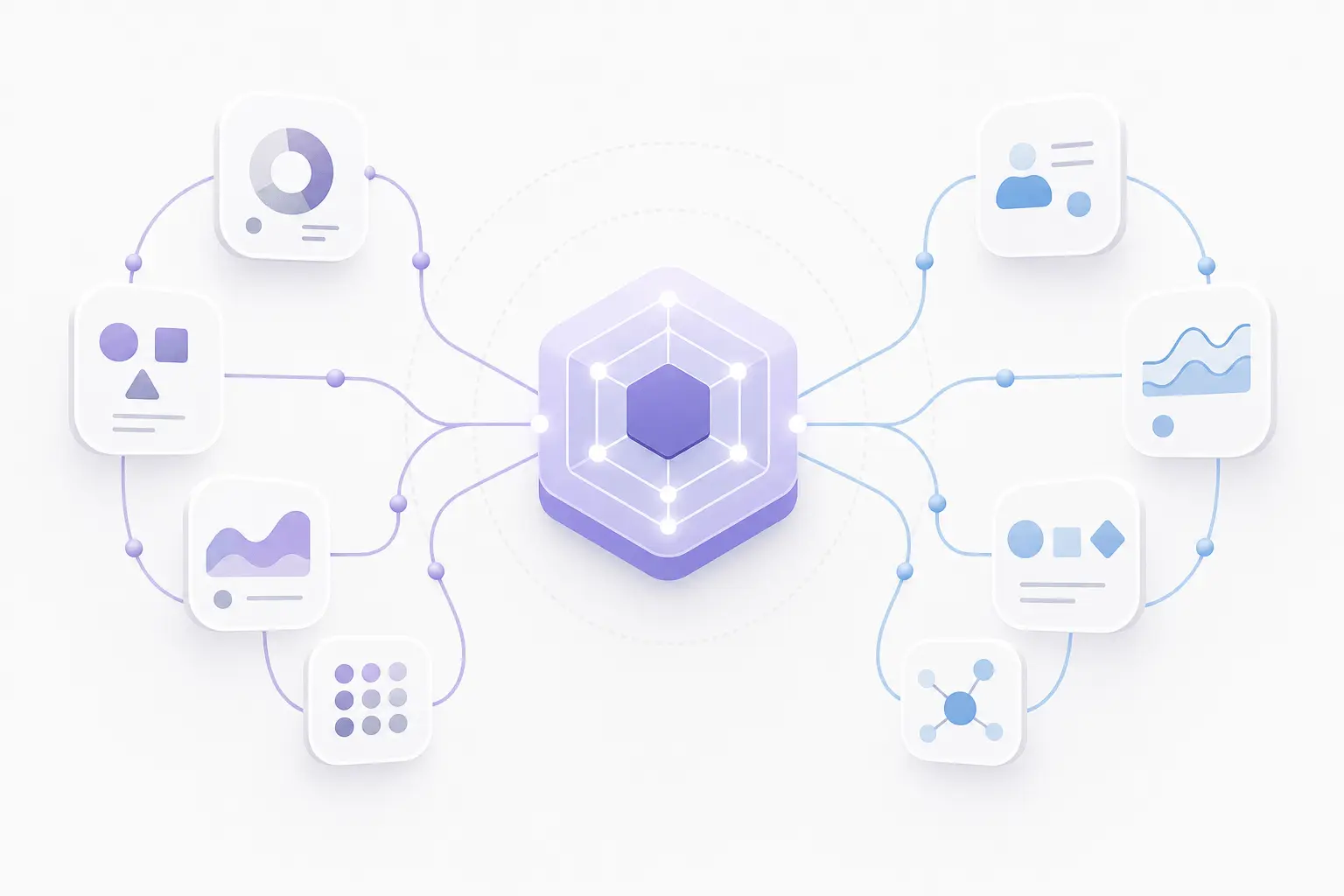
On November 10, Adobe previewed local integrations that would allow outside AI agents to make changes inside Photoshop, Illustrator, Premiere and After Effects. The company names 4 creative applications in this local MCP preview, and says the integrations would work on native project files while leaving the editable structure in place for a creative professional to refine.
The stated release state is a private beta in early 2027. Until then, the capability cannot be bought or deployed, and teams should read the announcement as a direction signal rather than a delivery date.
Adobe's example workflow is a connected one: an agent pulls a brief from Google Docs, works on a project through Creative Cloud and shares the result in Slack. Note the dependency. That chain only functions if the agent in question is also connected to those tools, and the announcement does not establish identical capabilities for every assistant or account.
Why does an editable handoff change the review math?
An editable project is a different handoff from a finished image, and the difference lands squarely in the review loop.
According to Adobe, layers, vectors, bins and sequences remain editable, and a professional can step in and refine the work by hand. For teams that keep adjusting creative after an automated task is finished, that is a practical distinction. The question becomes how cheap the next intervention is, not how fast the first output arrived.
"The ideas, taste, style and vision that creative professionals bring to their work are what make their work stand out," said Deepa Subramaniam, Adobe's vice president of product marketing for Creative Cloud.
The familiar assumption is that automation pays off by cutting the number of human touches. Creative production can also gain by making the next human intervention cheaper. A quick result loses value if a designer has to reconstruct it before an ordinary revision, and the same trade-off has already played out in engineering tooling, where teams weighed native translators against neutral exports and found that a flattened file is a dead end while an editable structure keeps options open.
The discipline applies earlier in the chain too, wherever an asset contains a person: a campaign variant can be regenerated in minutes, but the approval trail for the performer depicted has to survive the automation. That is the problem Ogilvy and Creative Artists Agency set out to solve with licensed AI likenesses.
How is this different from Adobe's other agent announcements?
Adobe's announcements span several products with different jobs and release states. Merging them into one available capability makes it hard for a team to plan a realistic pilot.
| Adobe capability | What it covers | Stated availability |
|---|---|---|
| Local Creative Cloud MCP integrations | Outside agents working in native desktop projects | Private beta planned for early-2027 |
| Adobe Creative Agent assistants | Adobe's own assistance inside flagship desktop apps | Beta; Photoshop assistance in its beta app |
| CX Enterprise Coworker integrations | Outside AI assistants reaching Adobe's marketing orchestration agent | Previously announced |
The local-file preview is therefore distinct from the earlier CX Coworker rollout. One concerns work inside creative applications; the other concerns access to a marketing orchestration system. A separate ContentGrip item describes how Adobe brings CX Enterprise Coworker to ChatGPT, Claude and Copilot, with new MCP connectors to ad and marketing systems, which is a different surface with a different release state. Before treating either as a substitute for the other, a team should assess the task it needs to accomplish.
Within Premiere, Adobe also describes its own Adobe Creative Agent applying effects across a sequence and adjusting color or exposure across clips. That example shows the kind of repetitive production task the company is targeting, but it should not be read as a promise about the exact tool set every outside agent will receive.
How should a team design a pilot before early-2027 access?
- Name the output type first. A finished export, an editable project and a proposed set of changes create three different review responsibilities.
- Pick one application and one asset type, such as a Premiere sequence variant or a Photoshop crop set, rather than all four applications at once.
- Write the brief as a handoff specification. Record the expected file, the next reviewer, the connected tools, and how many revisions the task should absorb.
- Scope the agent's access deliberately. MCP is a standard for connecting AI agents with external tools, and the protocol's own security guidance, updated in July 2026, recommends restricting file system access for processes an agent spawns. Enterprise security analysts have separately flagged visibility as a gap: locally adopted MCP servers are easy to lose track of, which makes an inventory of what is connected to what a prerequisite rather than a cleanup task.
- Measure the revision loop, not just production time. Track how long a professional takes to inspect the result, how long a change takes, how many times the file is reopened, and whether anything had to be rebuilt from scratch.
What does it cost to find out if it works?
| Cost factor | Where it shows up | How to measure it |
|---|---|---|
| Agent subscriptions (ChatGPT, Claude, Copilot) | Per-seat spend on the assistant itself | Compare against the tooling it replaces |
| Creative Cloud seats | Existing licence base, unchanged | No incremental line item |
| Review and QA labour | The real variable in the workflow | Hours per revision round |
| Rework and version sprawl | Duplicate files, naming chaos, storage growth | Count of re-opens and storage trend |
| Governance and access control | Admin time to grant and revoke agent access | Time to onboard and audit one agent |
The number to beat is the current export-and-rebuild loop. If an agent returns an editable project instead of a flattened image, the savings sit in the revision loop rather than in the first draft, which is why the pilot metrics above matter more than any vendor claim. Adobe has not disclosed measured time savings or campaign performance results for these local integrations, so a business case built today rests on a team's own revision data.
What mistakes do teams make with agent-driven production?
- Treating the preview as generally available. It is an early-2027 private-beta plan, not a shipping product.
- Assuming parity across assistants. Adobe's example depends on the agent being connected to the relevant tools, and capabilities are not identical for every assistant or account.
- Merging the local MCP preview with CX Coworker. Different products, different jobs, different availability.
- Approving a picture instead of a change set. If the reviewer cannot open and edit the result, the agent has only moved the bottleneck.
- Measuring only the first draft. Production time is the easy half; revision work is where the claim stands or falls.
FAQ: what creative teams ask about Adobe's local MCP preview
When will the local MCP integrations be available?
Adobe has said the private beta is planned for early 2027. Nothing is generally available now, and the company has not published a general availability date.
Which AI assistants will be able to use them?
Third-party agents such as ChatGPT, Claude and Copilot are the audience Adobe is describing, but its own example requires the agent to also be connected to Google Docs, Creative Cloud and Slack. The announcement does not establish identical capabilities for every assistant or account.
Has Adobe said how much time this saves?
No. Adobe has disclosed no measured time savings or campaign performance results for these local integrations, which means the value has to be tested against actual files and review habits.
Is this the same thing as CX Coworker?
No. CX Enterprise Coworker concerns access to Adobe's marketing orchestration agent through outside assistants, while the local preview concerns editing inside creative applications. A team should assess the task it needs to accomplish before treating either as a substitute for the other.
Should a team wait until the beta opens?
Waiting is reasonable for production use, but the preparation work is what determines whether the beta produces a usable answer: a written handoff specification, a baseline for the revision loop, and a scoped permission model.
What to do next
If you are evaluating this for a creative or marketing team, the sequence is short. Nominate one application, one asset type and one accountable reviewer. Write the handoff specification. Instrument the revision loop for two weeks to establish a baseline. Then re-assess at the early-2027 private beta. The teams that extract value from agent-driven production are rarely the ones with the best model access; they are the ones that decided in advance what a usable handoff looks like.
Sources
- Adobe newsroom, "Adobe Transforms its Creative Cloud Tools into Agentic Workflows" (November 10, 2026): https://news.adobe.com/news/2026/11/adobe-transforms-creative-cloud-tools
- Adobe newsroom, "Adobe Powers a New Era of Creativity" (November 10, 2026): https://news.adobe.com/news/2026/11/adobe-powers-new-era-of-creativity
- Model Context Protocol, Security Best Practices (docs, updated 2026-07-28): https://modelcontextprotocol.io/docs/2026-07-28/tutorials/security/security_best_practices
- F5, "8 MCP security risks every enterprise needs to know" (October 31, 2026): https://www.f5.com/company/blog/8-mcp-security-risks-every-enterprise-needs-to-know
- ContentGrip, "Adobe previews local MCP for creative AI agents": https://www.contentgrip.com/adobe-creative-cloud-mcp-agents/
This review draws on Adobe's November 10 announcements and the original ContentGrow draft of the same story.
By Simon Nelson, marketing strategy lead at IT Insights. Editorial questions: contact@itinsights.com.